




Don’t miss a thing
Just a few days left — make the most of your trial!
Try out any features you haven’t used yet, and see how easy editing can be with DxO.


CLOSE UP
FULL IMAGE
Petr Bambousek
hummingbird, Ecuador
Olympus OM-1
150-400mm f/4.5
ISO 2500 - 1/3200 - f/4.5 - 400mm
DxO PhotoLab


Antoine Mutin
Seoul, South Korea
Nikon Z6
35 mm - f/1.4
ISO 1600 - 1/200 - f/1.8
DxO PhotoLab
As well as DxO's camera-calibrated profiles and classic film renderings, import and apply

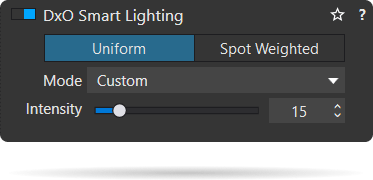
DxO PhotoLab contains two innovative tools to speed up your editing:
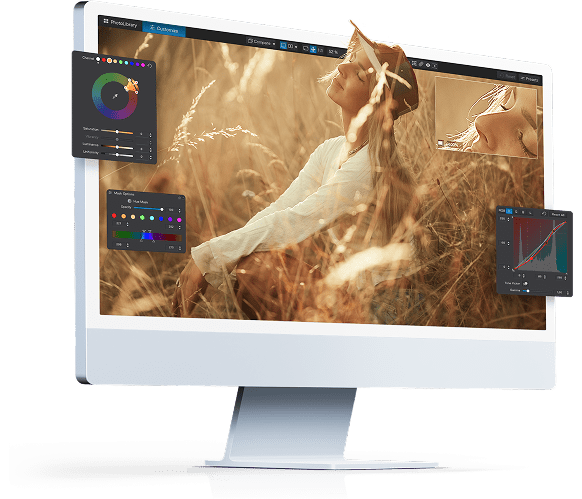
More videos, feature demos, and reasons to choose DxO PhotoLab 9
More videos, feature demos, and reasons to choose DxO PhotoLab 9
Karim Roland
Belgium
Fuji X-H2
56mm f/1.2
ISO 125 - 1/60 - f/1.2 - 56mm
DxO PhotoLab