
Your first steps
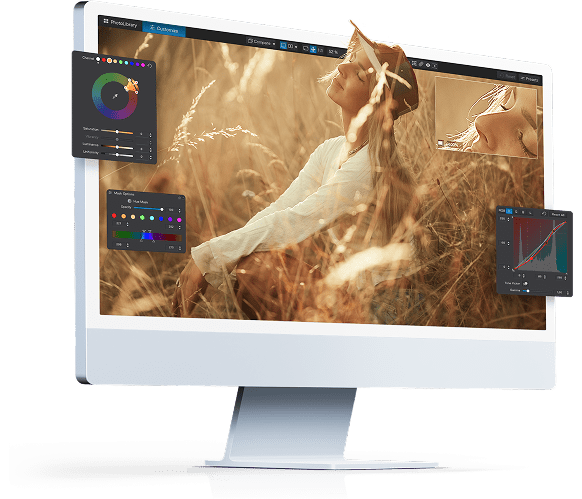
Discover DxO PhotoLab’s essential tools — from creative LUTs and presets to precise toning, retouching, cropping, and perspective correction. Everything you need to perfect your images with ease.
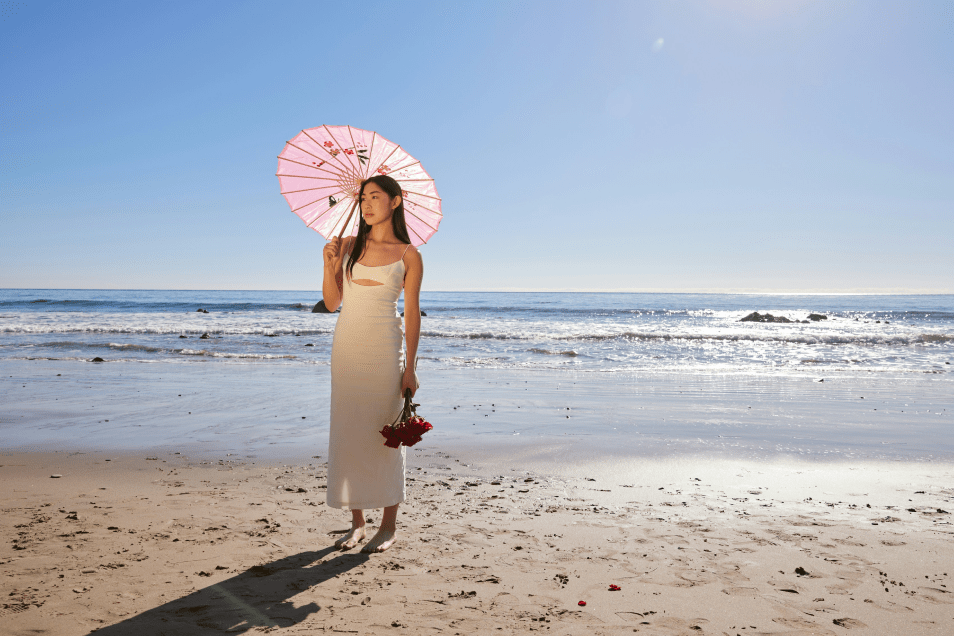
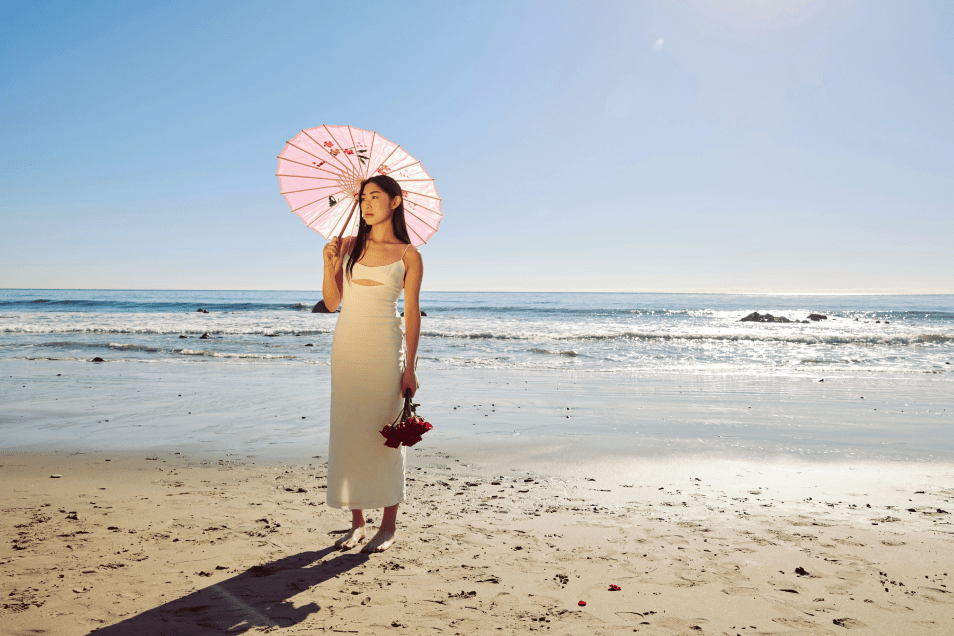
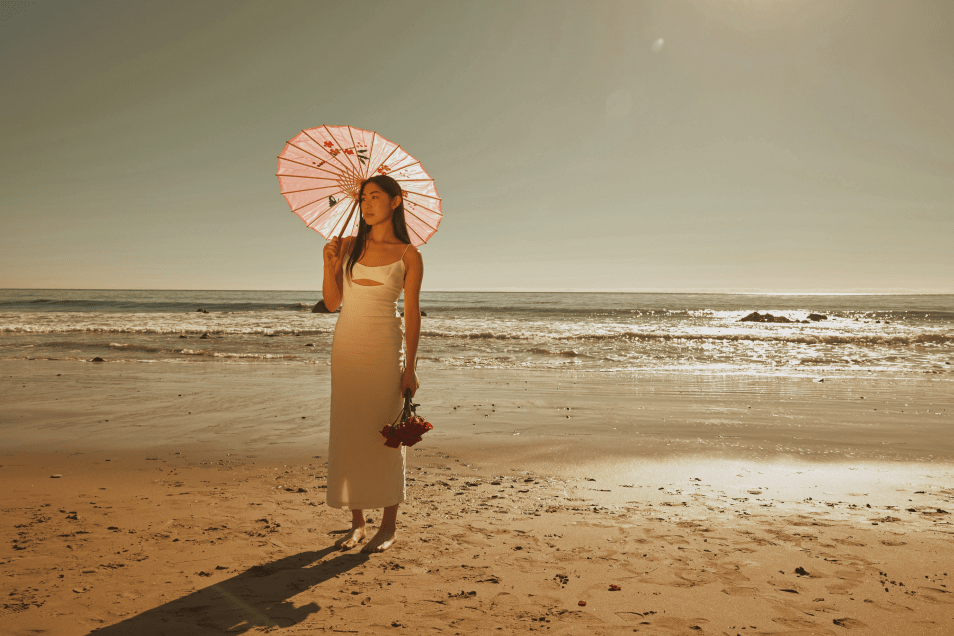
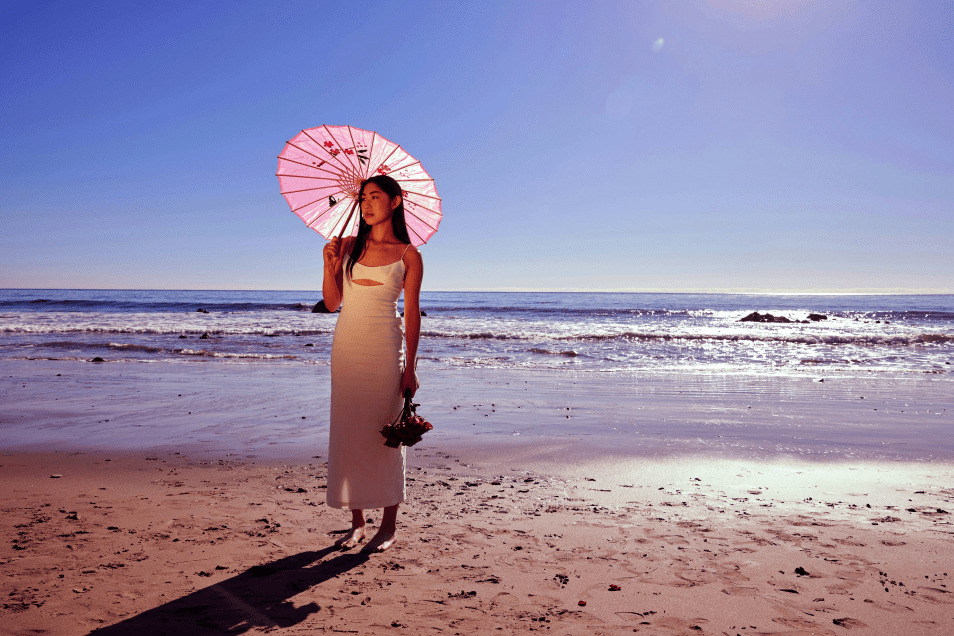


Import and apply LUTs to open up endless creative color options. Choose from

Create and share presets. Duplicate, rename, import/export presets, and organize into folders. Edit existing presets and create partial presets. Use the
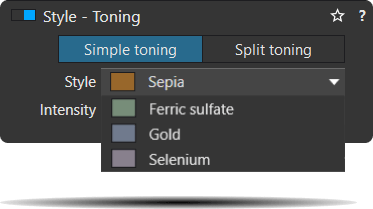
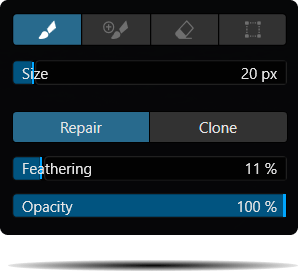
More than just a cloning/healing tool, rotate, scale, and mirror the source area for absolute control. Edit the shape of the area to be retouched using a brush/eraser. Switch between
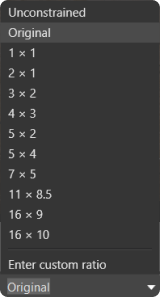
Adjust the horizon and crop images using a common or custom ratio — all automatically or manually. Adjust perspective distortion with dedicated tools: