


NIK COLLECTION 8
NIK COLLECTION 8
Enjoy seamless editing:
Nik Collection now integrates with Affinity
Enjoy seamless editing:
Nik Collection now integrates with Affinity
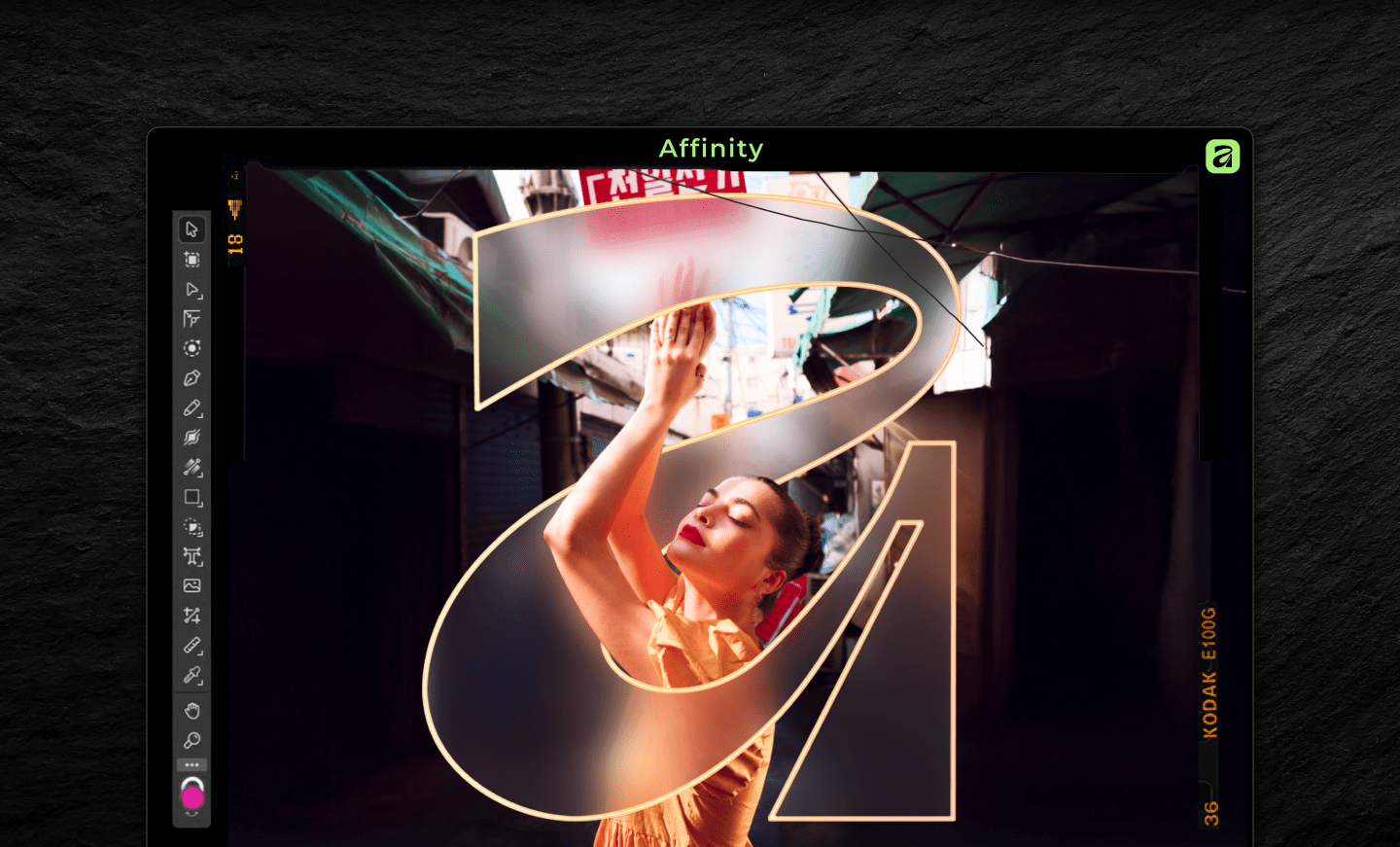
Owners of Nik Collection 6, 7, or 8 can now enjoy full compatibility with the latest version of Affinity, bringing DxO’s renowned creative tools directly into Affinity’s streamlined workflow.
After Nik Collection is installed, Affinity users working in Pixel mode can access the entire suite simply by navigating to Filters → Plugins → Nik Collection, where every plugin is ready to launch.
Full compatibility
with Affinity by Canva
This new integration gives photographers and creators a smoother, more flexible editing experience — combining the powerful imaging capabilities of Affinity with DxO’s class-leading creative controls. Whether it’s color grading with Nik Color Efex, black-and-white artistry with Nik Silver Efex, or precision sharpening with Nik Sharpener Pro, Nik Collection is now more convenient than ever.
“Adding the Nik Collection to Affinity can simplify your editing, giving you better results — faster.”
If you own Nik Collection 6, 7, or 8, simply install the latest Nik Collection update and open Affinity to start using the plugins right away. If you’re new to Nik Collection, discover the full suite of plugins and unleash your creativity with DxO.
Ready to create with Nik Collection in Affinity? Just head to www.affinity.studio, click Get Affinity, and start editing instantly!
Ready to elevate your workflow?

For the passionate photographer.